Program Help & How To
This is the offline help center for the FTP uploader. Use it as a quick guide for each button and workflow. All pages are short and practical, with steps and images.
This is the offline help center for the FTP uploader. Use it as a quick guide for each button and workflow. All pages are short and practical, with steps and images.
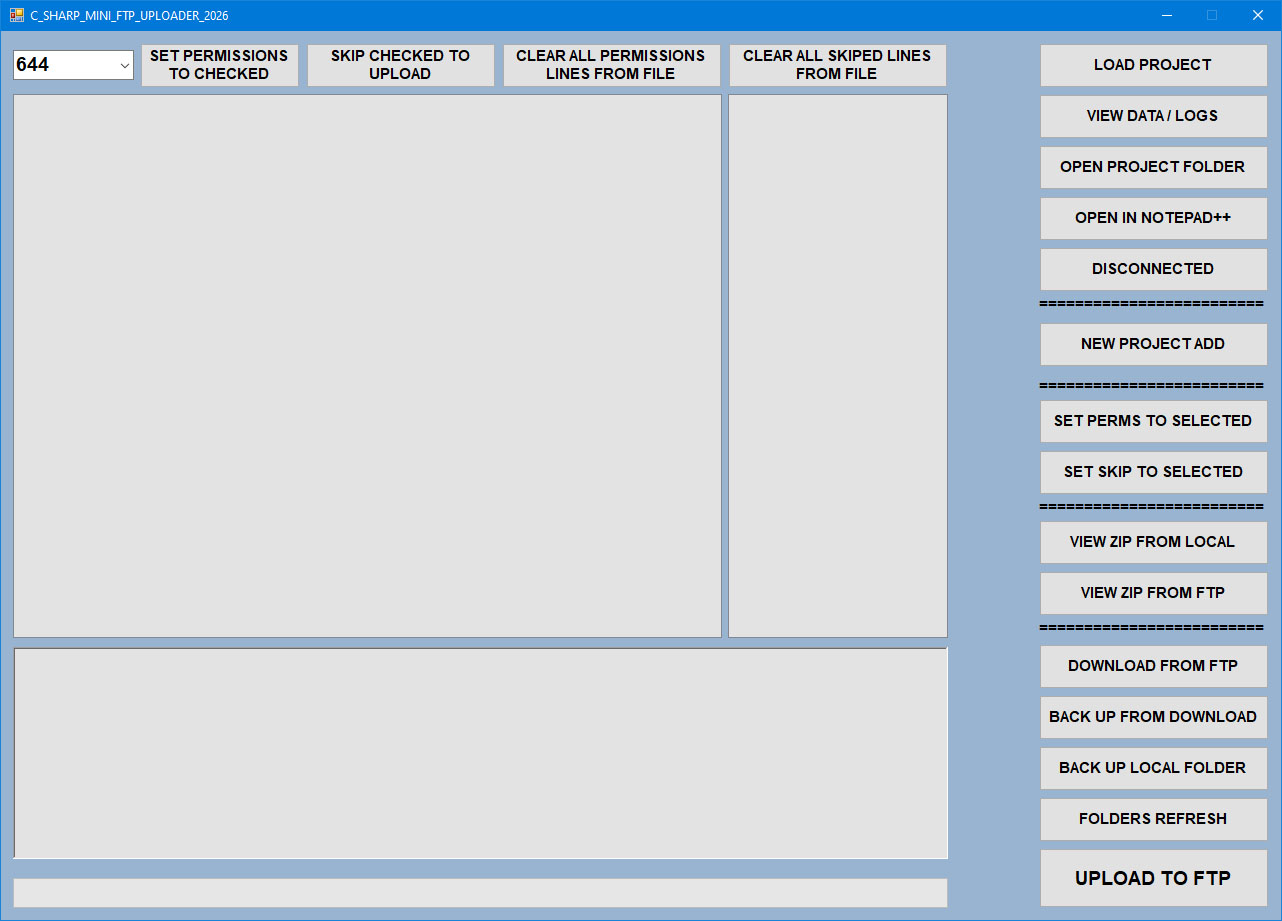
This is the offline help center for the FTP uploader. Use it as a quick guide for each button and workflow. All pages are short and practical, with steps and images.
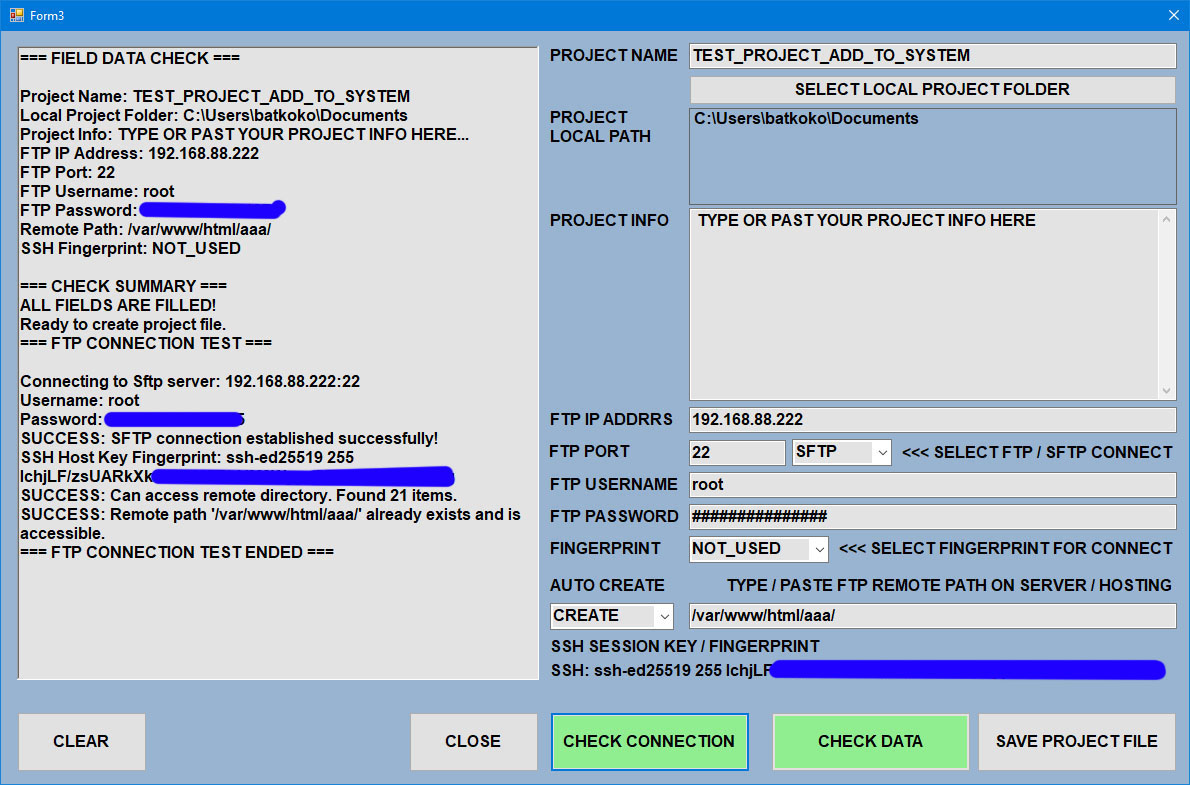
This is the offline help center for the FTP uploader. Use it as a quick guide for each button and workflow. All pages are short and practical, with steps and images.
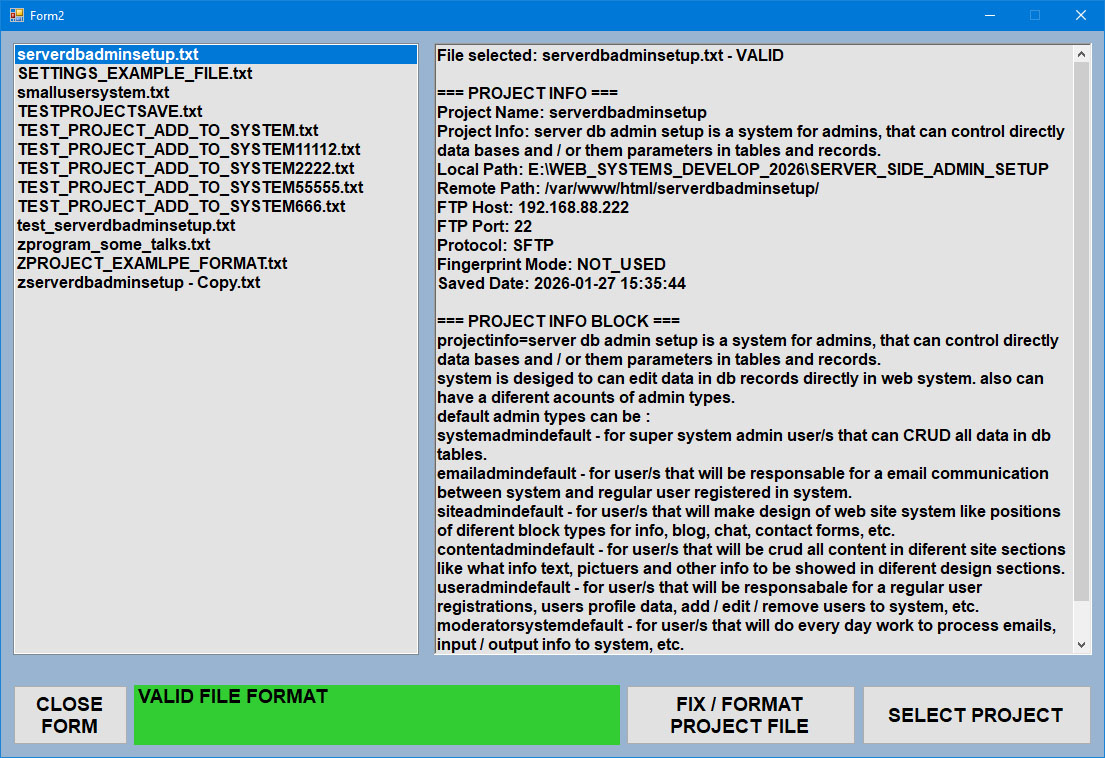
This is the offline help center for the FTP uploader. Use it as a quick guide for each button and workflow. All pages are short and practical, with steps and images.
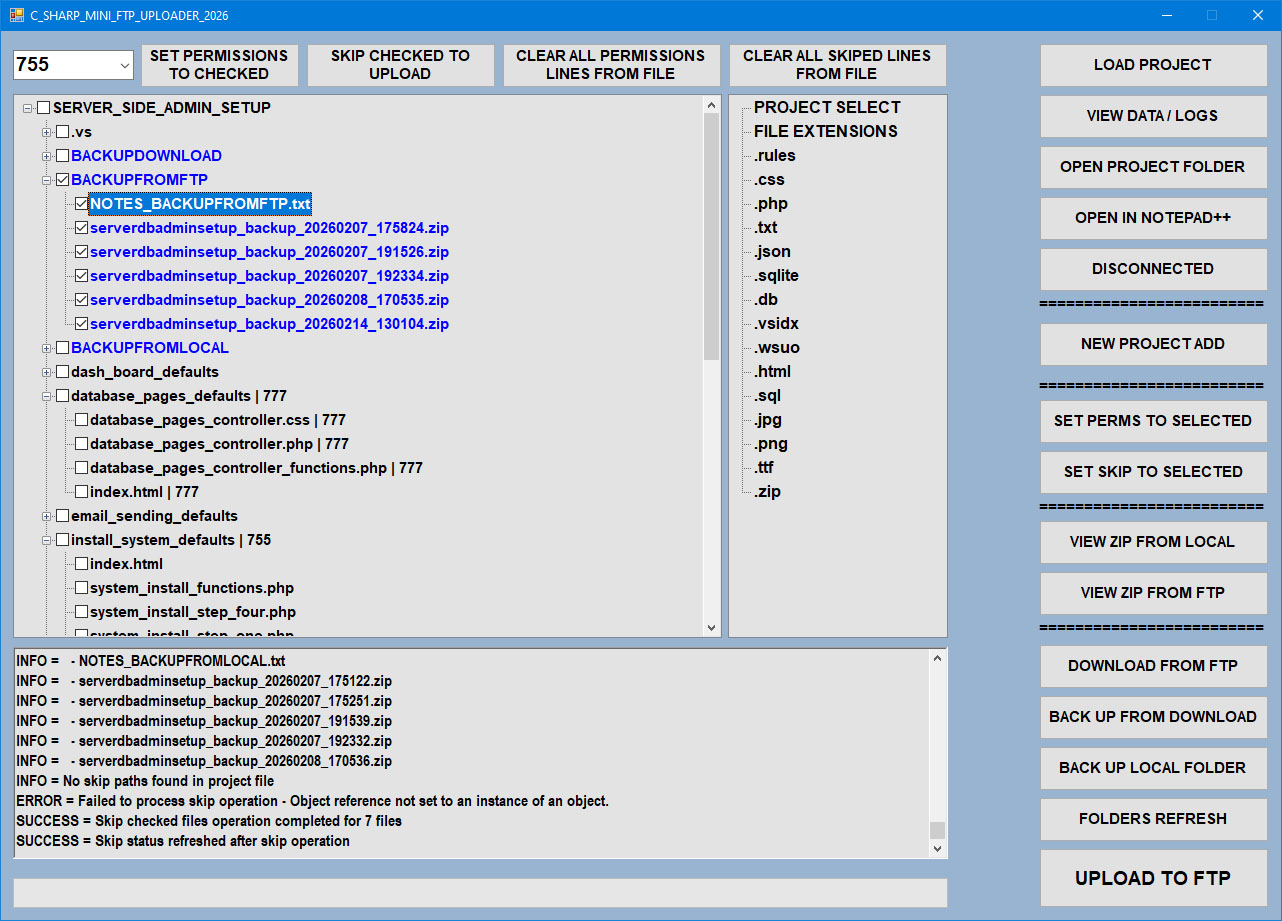
This is the offline help center for the FTP uploader. Use it as a quick guide for each button and workflow. All pages are short and practical, with steps and images.
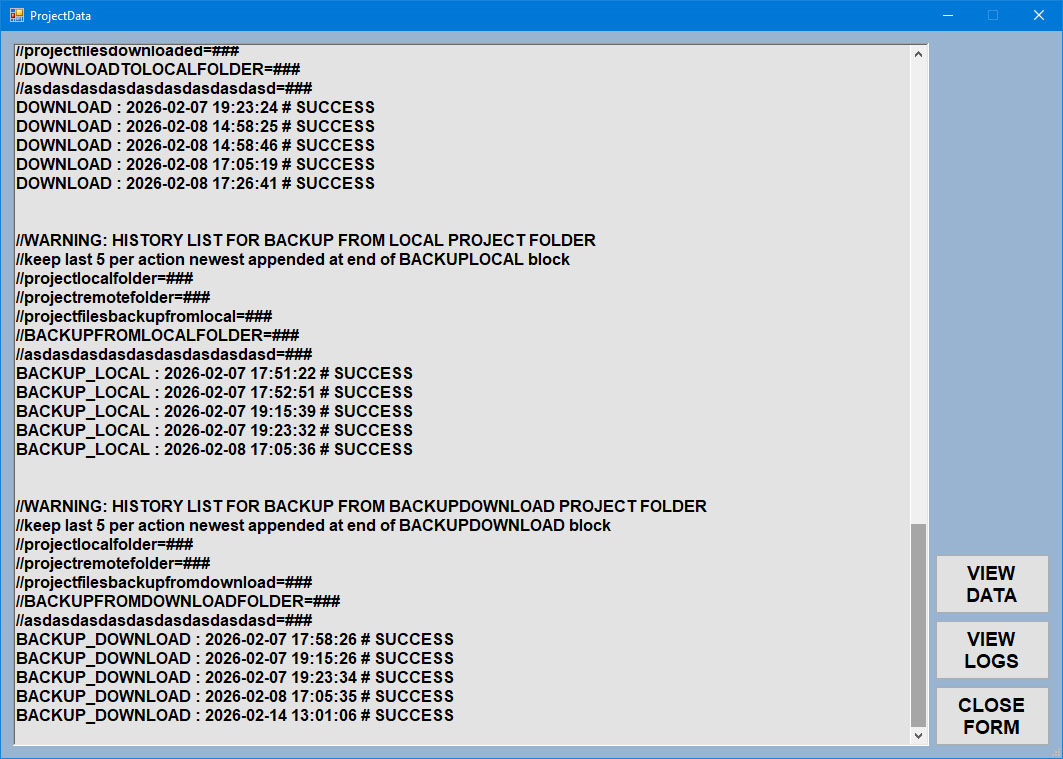
This is the offline help center for the FTP uploader. Use it as a quick guide for each button and workflow. All pages are short and practical, with steps and images.
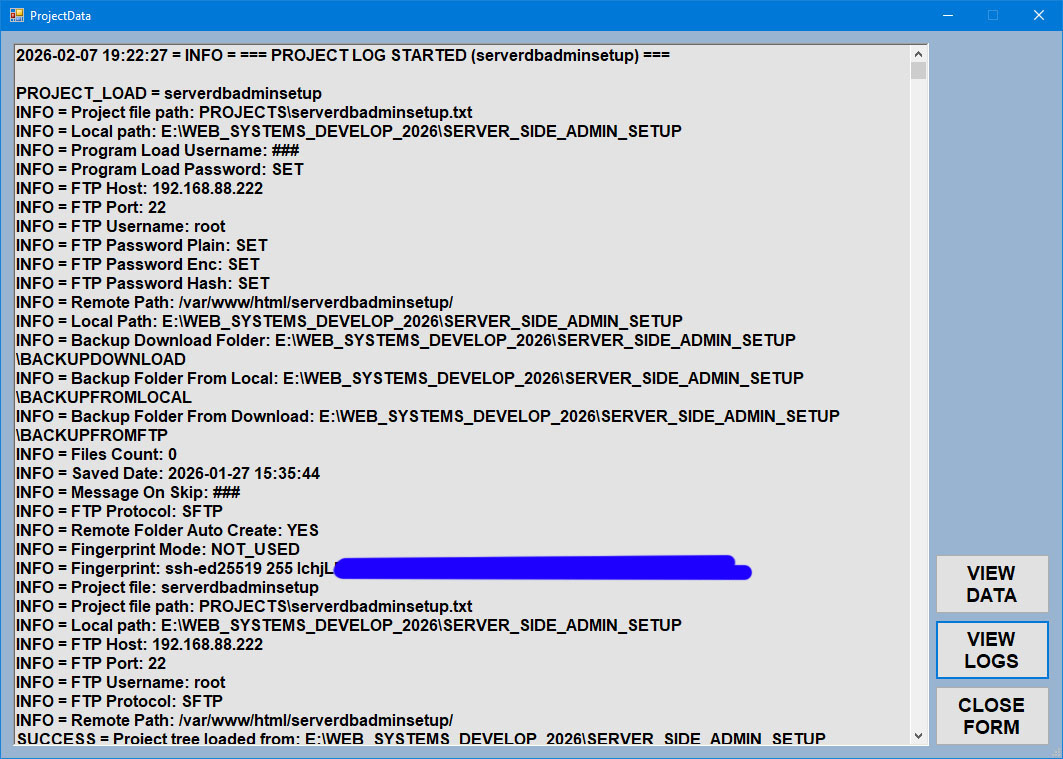
This is the offline help center for the FTP uploader. Use it as a quick guide for each button and workflow. All pages are short and practical, with steps and images.
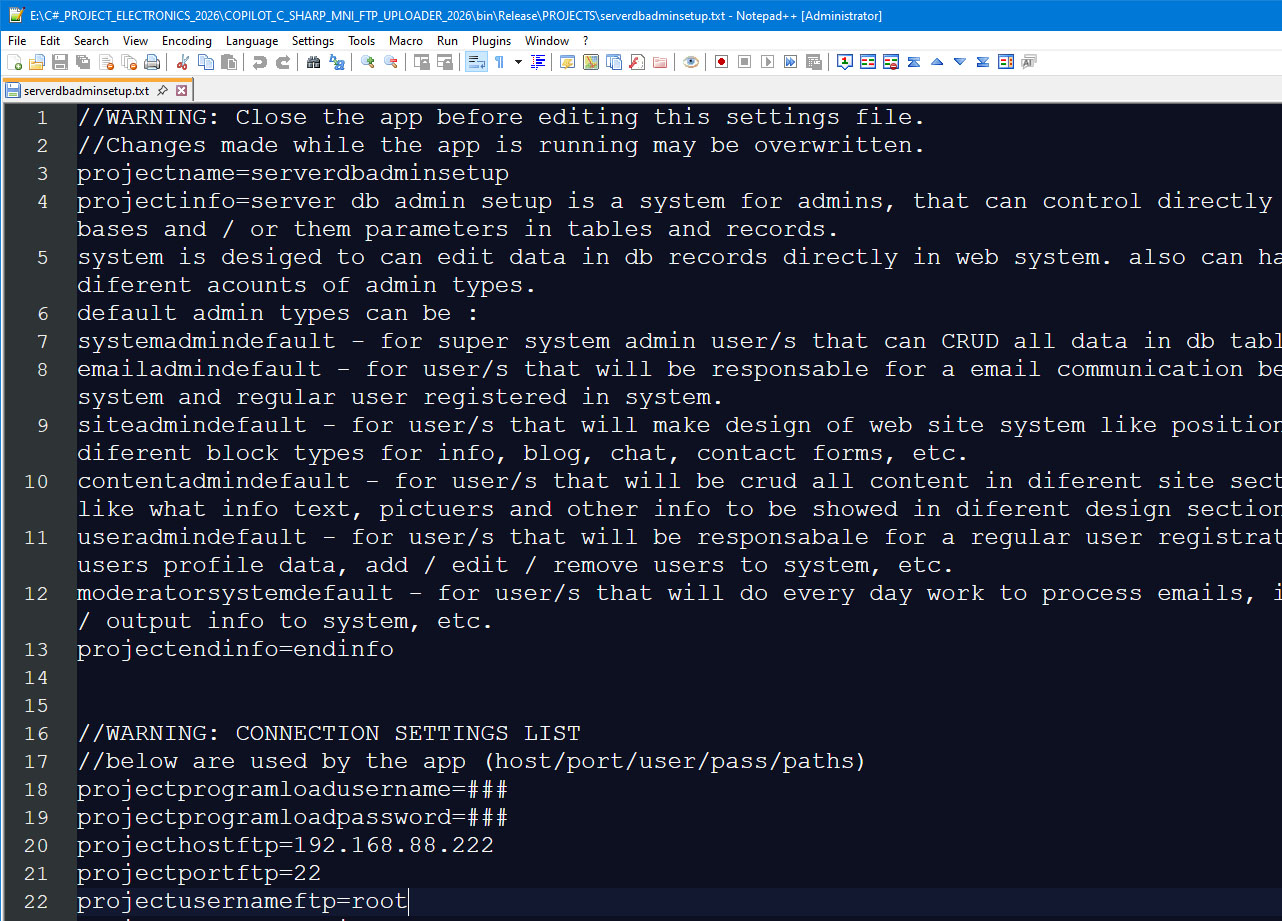
This is the offline help center for the FTP uploader. Use it as a quick guide for each button and workflow. All pages are short and practical, with steps and images.
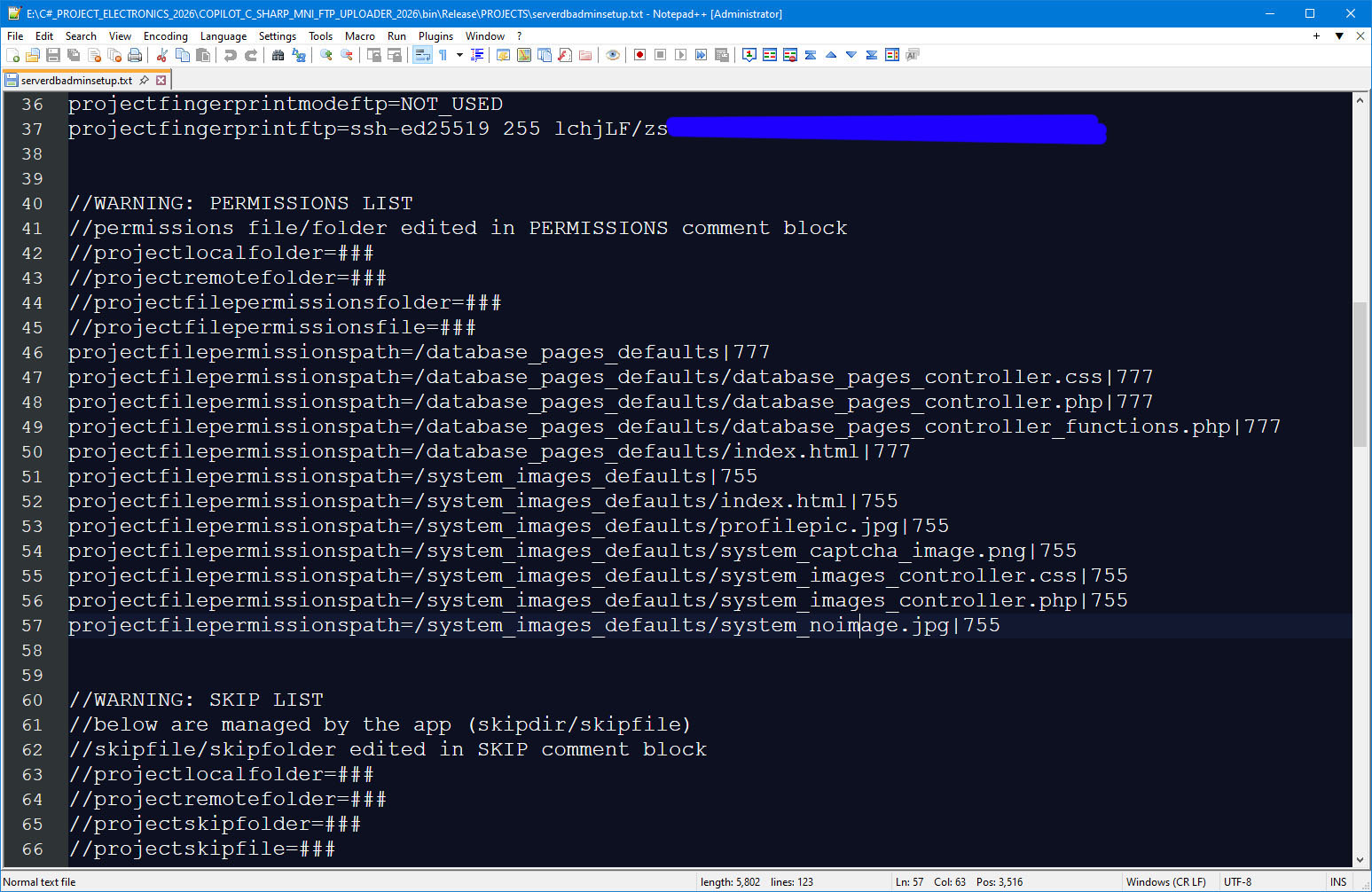
This is the offline help center for the FTP uploader. Use it as a quick guide for each button and workflow. All pages are short and practical, with steps and images.
This is the offline help center for the FTP uploader. Use it as a quick guide for each button and workflow. All pages are short and practical, with steps and images.
Quick Sections
Getting Started
Project load, connect, first upload, and first refresh.
Operations
Each main button explained with 1-6 steps.
Backups & Notes
Local/FTP backup zip notes and file history.
Troubleshooting
Common errors and fast fixes.
Basic Workflow (Example)
This is the offline help center for the FTP uploader.
