Getting Started
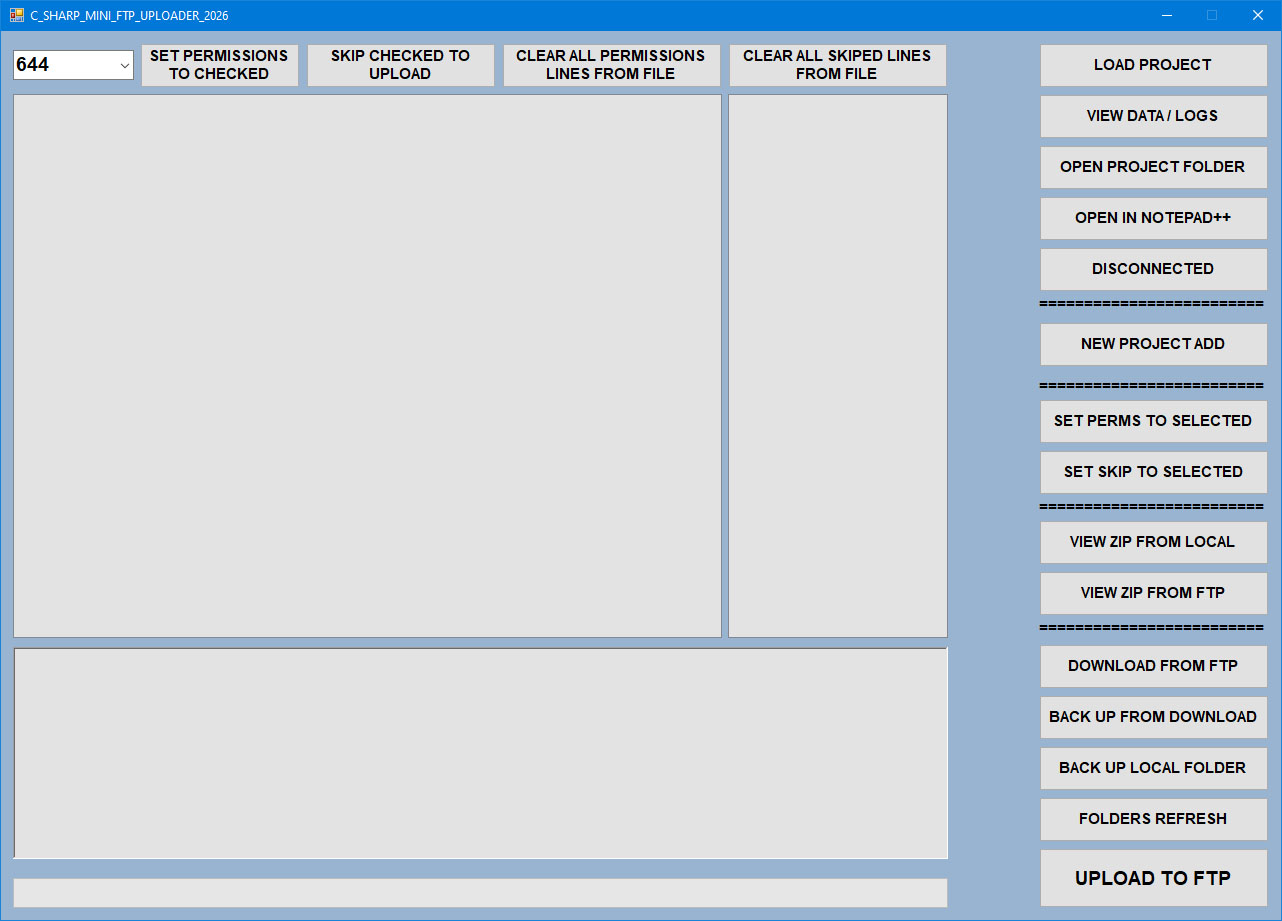
Place first-run screenshot here
Steps
1 Click Load Project and select your project file.
2 Click Check Connection to verify FTP.
3 Click Folders Refresh to sync tree.
4 Use Upload for checked files.
Notes
Always load a project before using backup or zip view forms.