RASPBERRY PI 5 SUPER SERVER - MAKE A BOOT IMG SSD 128GB / 1 TB - USB 3.0 CASE OUTSIDE TO BOOT
Here is some information on how to create a boot image on an SSD for use with the Raspberry Pi 5. This allows you to bypass the SD card and utilize the speed of a USB 3.0 SSD for booting, resulting in high-speed performance for the OS, websites, FTP transfers, and other server functions.
You can always ask chatbots how to do this, but there are some hidden pitfalls—such as specific commands that need to be added to the SSD's boot partition—because some SSD enclosures cause booting issues.
However, chatbots are aware of this; I experimented a bit today and identified the solution: adding a single command to a specific file within the boot (FAT32) partition (which is visible in Windows). Using Notepad++, you can get everything working perfectly in just five minutes with an external USB 3.0 SSD enclosure and an SSD of any capacity.
I will post the relevant screenshots and full instructions on the site. Unlike USB 2.0, USB 3.0 is very fast; Linux even offers commands to measure read and write transfer speeds, which is quite interesting.
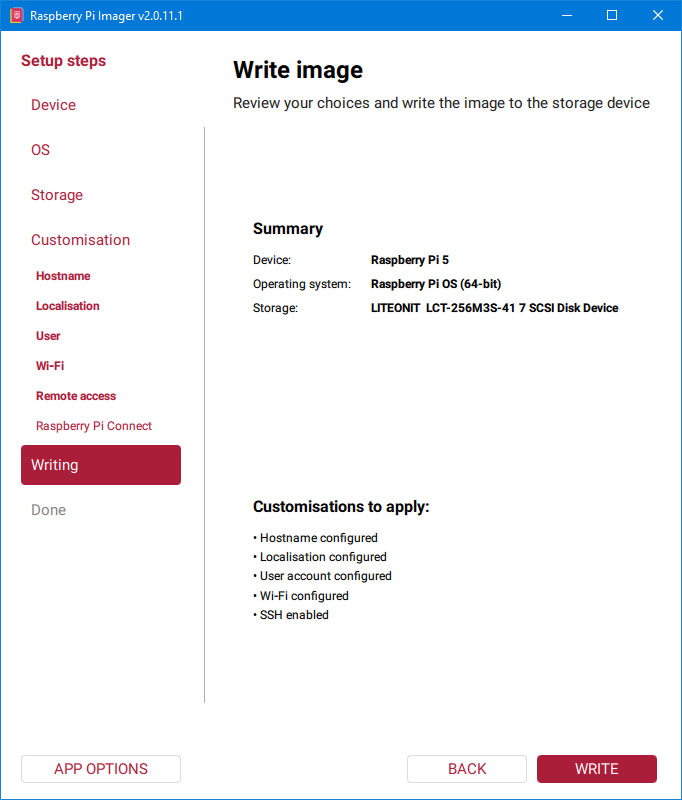
Here, I’ll be sharing links and information on how to build a server using a Raspberry Pi 5 and a few other modules. This will help you learn Linux administration, web programming, systems-level C/C++ programming, and gain plenty of other interesting, useful, and essential skills and knowledge—plus, of course, potentially make some money from your work.
I’m starting a blog series covering where to buy the hardware—though you’re free to shop wherever you like, provided you’re happy with the product quality. Then, I’ll move on to the software: the Linux installation itself, administration, and setting up various servers and services on the Raspberry Pi.
I’ll do my best to describe each step. As you know, you can always use chatbots for help with Linux—I use them too; it’s impossible to master all of Linux in a short time, which makes chatbots indispensable helpers.
=======================================================================
RASPBERRY PI 5 SUPER SERVER HOW TO INSTALL - what to buy, from where, what is need to montage/setup in hardware, what a outside modules are need to server work fast, how to setup other cables one side case from aliexpress and which one to buy, software : how to install sd card from startup package, what to do in setup bootloader software setings, and more and more to make a server usefull and fast for web site company, ftp, email smpt send, ssh remote desktop connection / management, samba server how to share folders in local network windows10++ pc machine, AND MANY MORE FOR LINUX ON RASPBERRY PI 5 SUPER FAST SERVER FOR ALL NEEEDS :)
https://store.comet.bg/Catalogue/Product/26757/ <> RPI 5 STARTER KIT 8GB
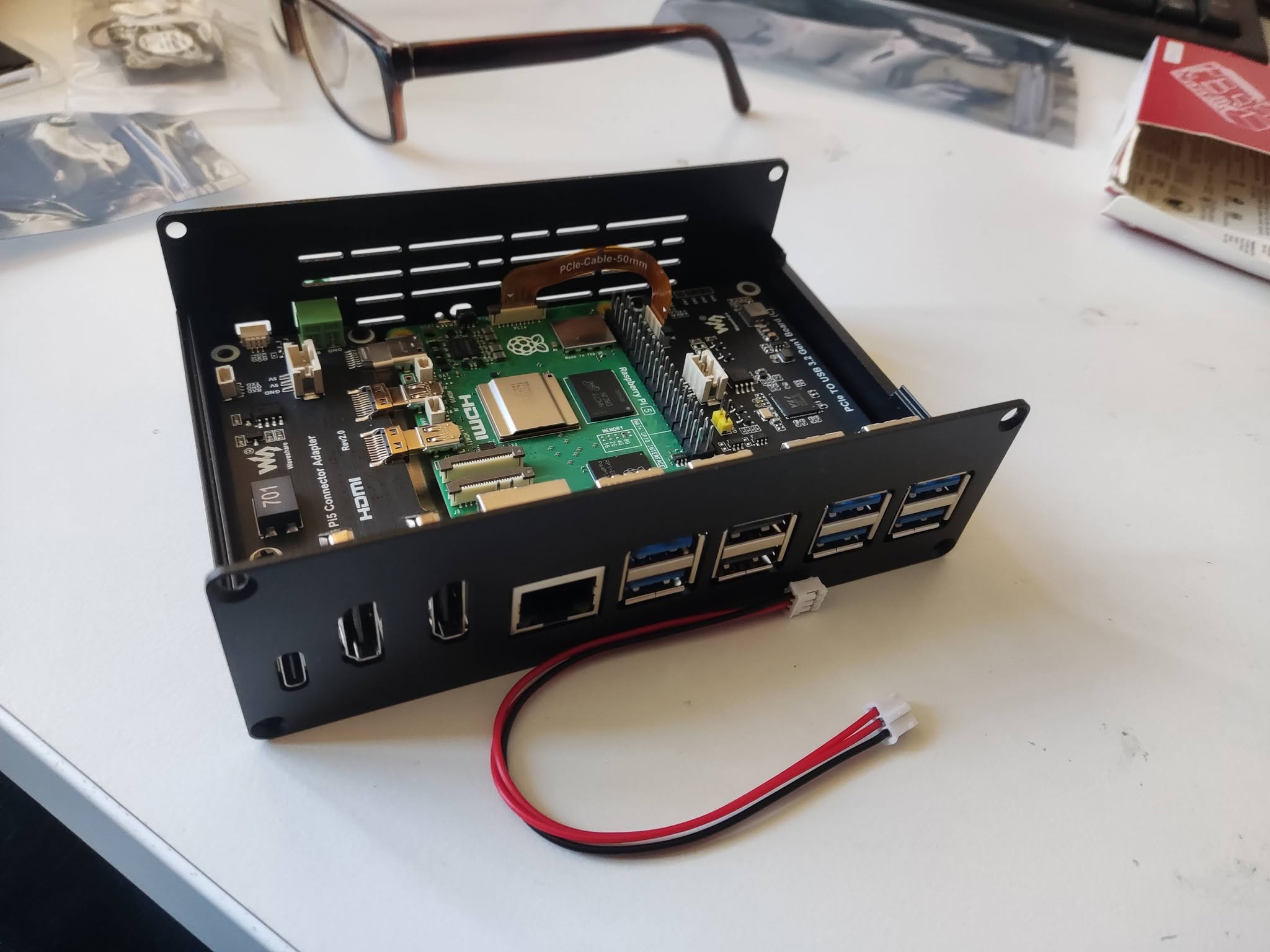
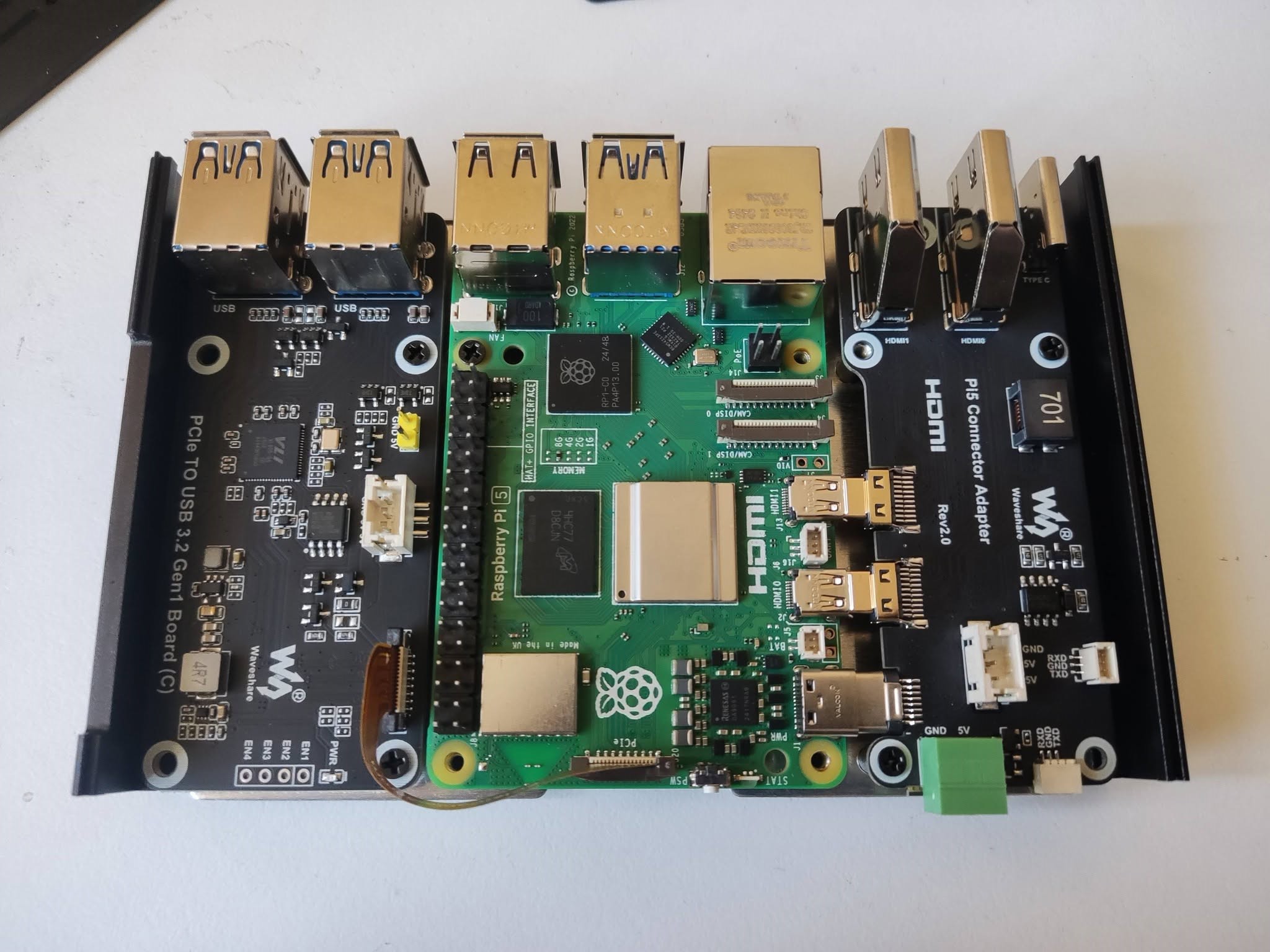
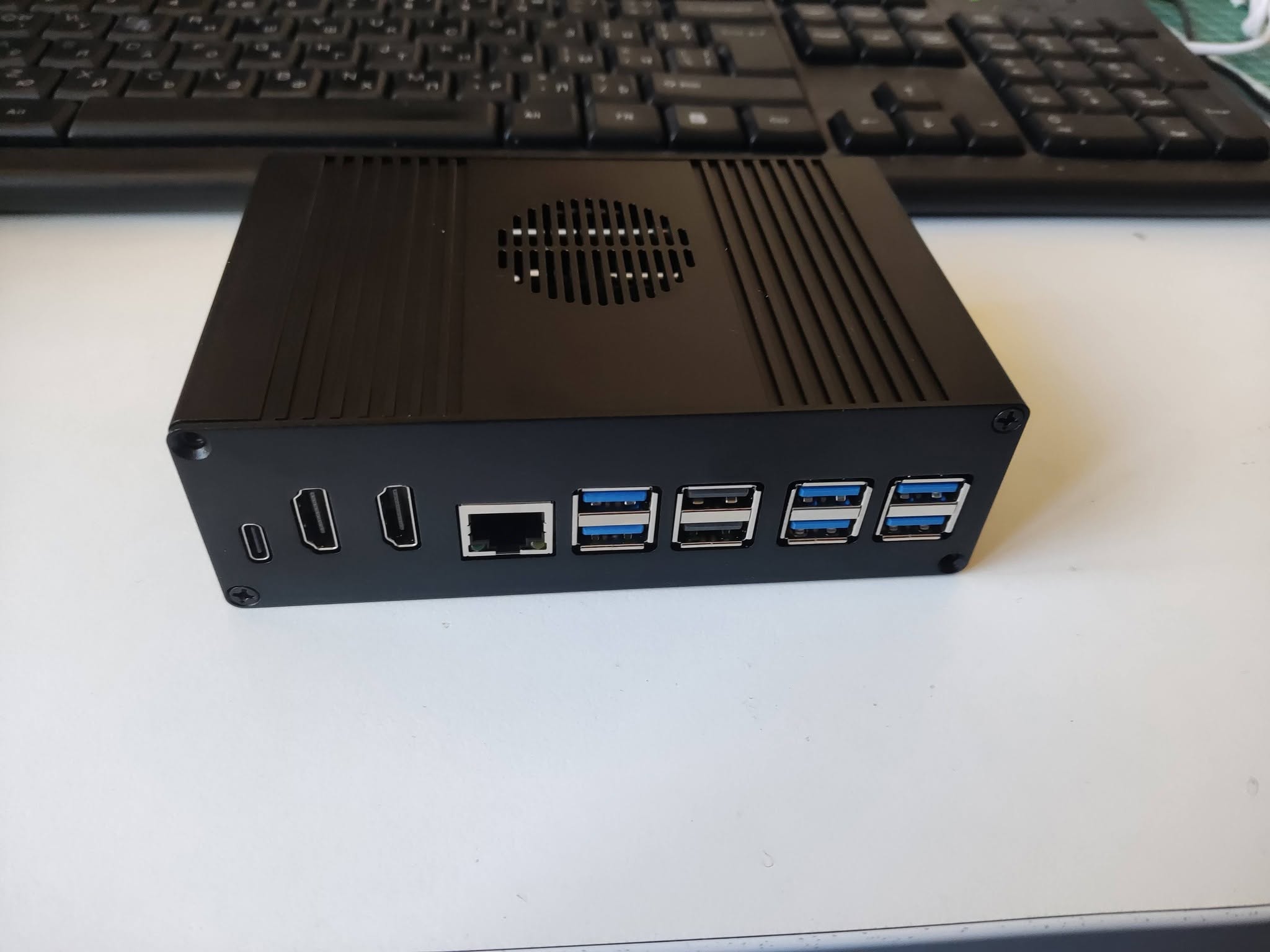
https://www.aliexpress.com/item/1005010590004309.html?spm=a2g0o.order_list.order_list_main.35.20cd1802AkzfEj <> Raspberry Pi 5 Box Case Kit Optional PCIe to Gigabit Ethernet /M.2 NVMe SSD/4USB3.2 Gen1 All Ports To Pi's USB Side TYPE-C HDMI
https://erelement.com/shop/pi-5-active-cooler/ <> Raspberry Pi 5 Active Cooler – активно охлаждане за Raspberry Pi 5
https://www.aliexpress.com/item/1005008826645097.html?spm=a2g0o.productlist.main.26.3a152522kZohG4&utparam-url=scene%3Asearch%7Cquery_from%3Apc_back_same_best%7Cx_object_id%3A1005008826645097%7C_p_origin_prod%3A&algo_pvid=f2c40fd9-6942-4411-be57-8bba3fceff8d&algo_exp_id=f2c40fd9-6942-4411-be57-8bba3fceff8d&pdp_ext_f=%7B%22order%22%3A%22328%22%2C%22fromPage%22%3A%22search%22%7D&pdp_npi=6%40dis%21BGN%215.45%215.75%21%21%2120.90%2122.06%21%40210389a017913724287266177e0eb9%2112000046840674392%21sea%21BG%210%21ABX%211%210%21n_tag%3A-29910%3Bd%3A9eeee279%3Bm03_new_user%3A-29895 <> 2 In 1 USB 3.0 2.0 Micro SD TF Card Reader High Speed Data Transmission up to 5Gbps Compatibility Multiple for PC Laptops Camera
примерен вариант : https://www.emag.bg/hdmi-kym-vga-preobrazuvatel-adapter-za-vryzka-na-pc-kompjutyr-laptop-laptop-tablet-s-monitor-televizor-proektor-0037567/pd/DYFW7GBBM/ <> HDMI към VGA преобразувател адаптер за връзка на PC компютър Laptop лаптоп таблет с монитор телевизор проектор
https://www.jmt.bg/axagon-ee25-a6m-pid69572 <> AXAGON EE25-A6M USB3.0 - SATA 6G 2.5" External SCREWLESS ALU RAW box BLACK
https://www.jmt.bg/apacer-as350x-ap1tbas350xr-1-pid54435 <> Apacer 1TB AS350X SSD 2.5" 7mm SATAIII, Standard (Single) or similar by size, brand, model
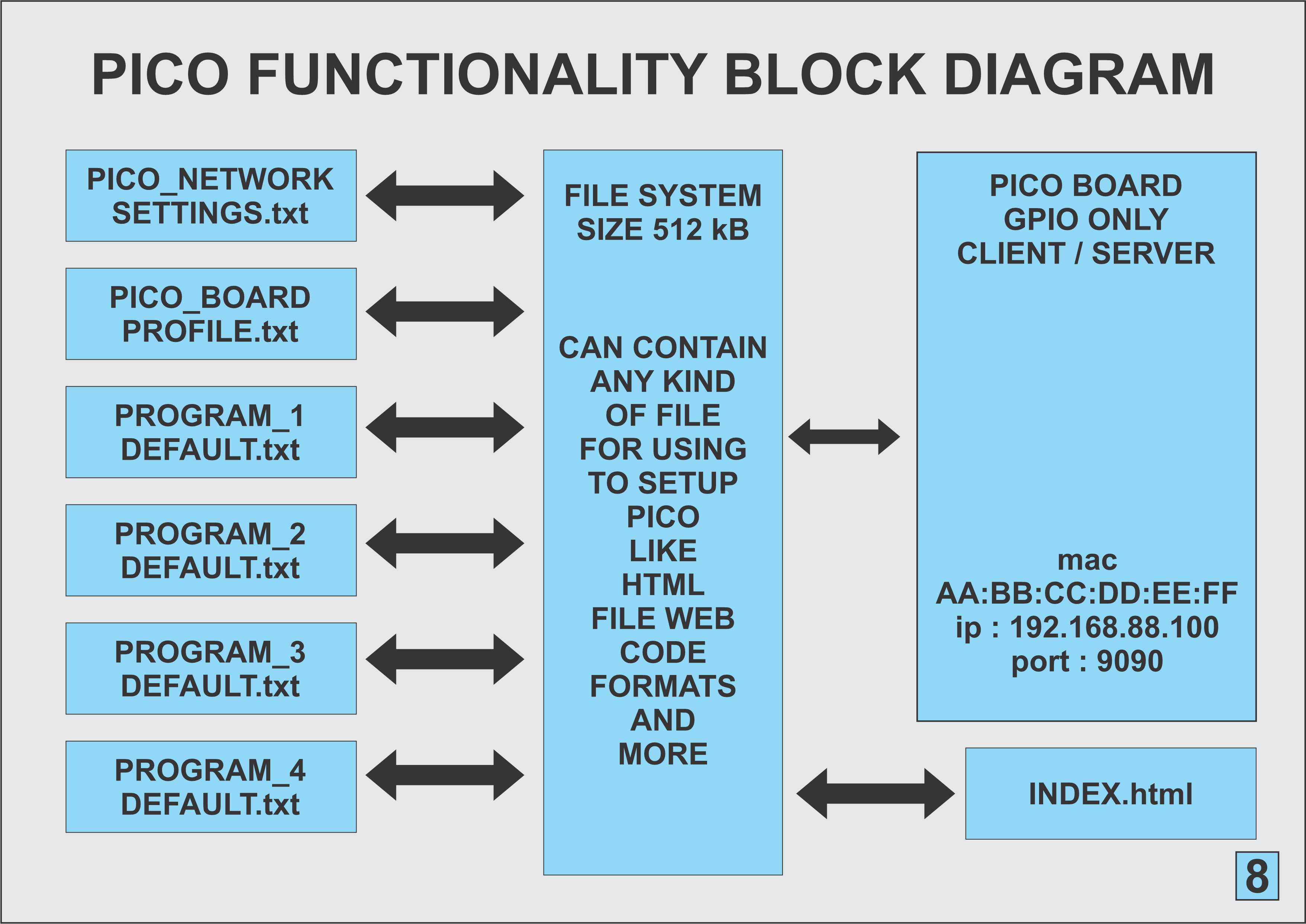
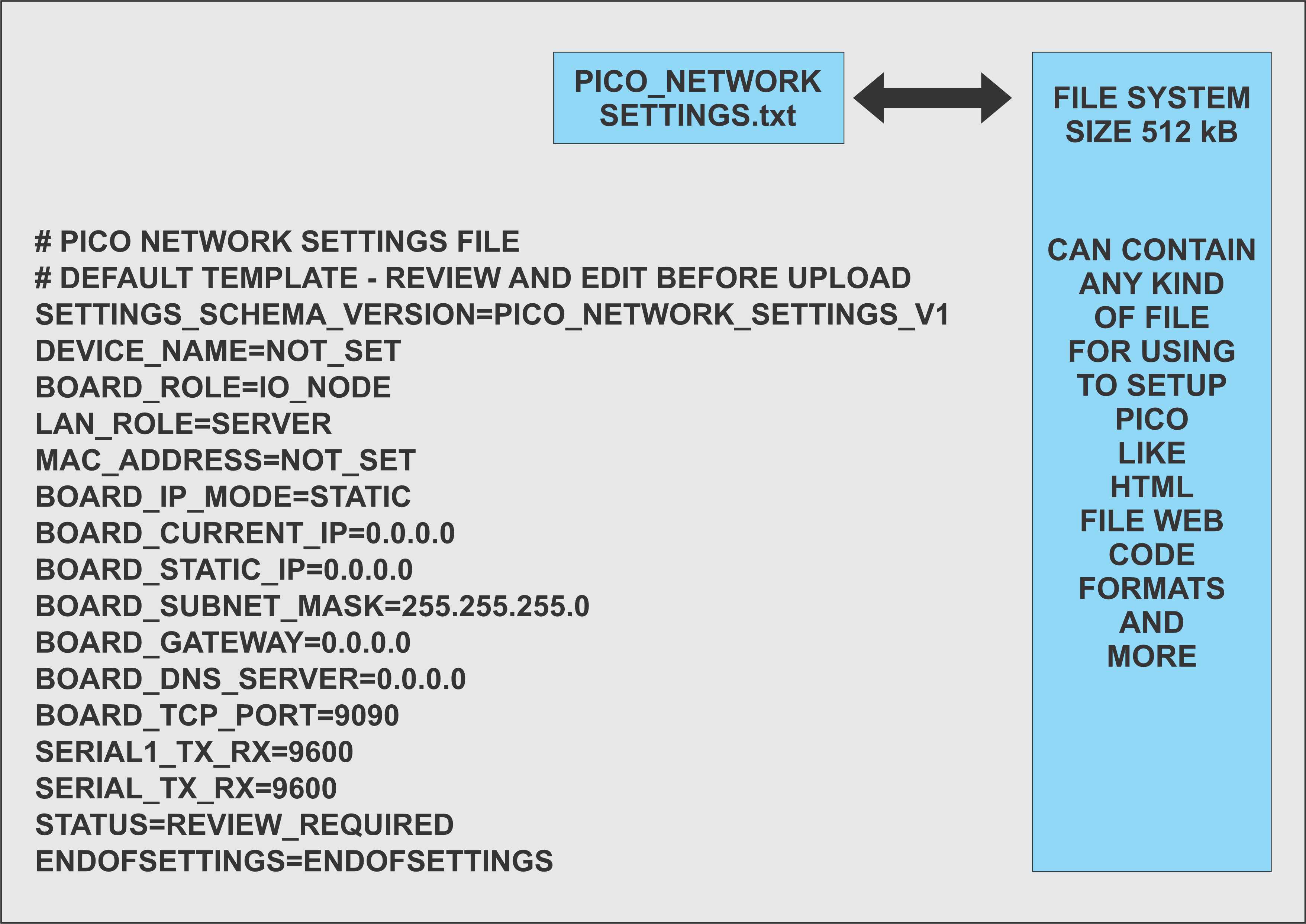
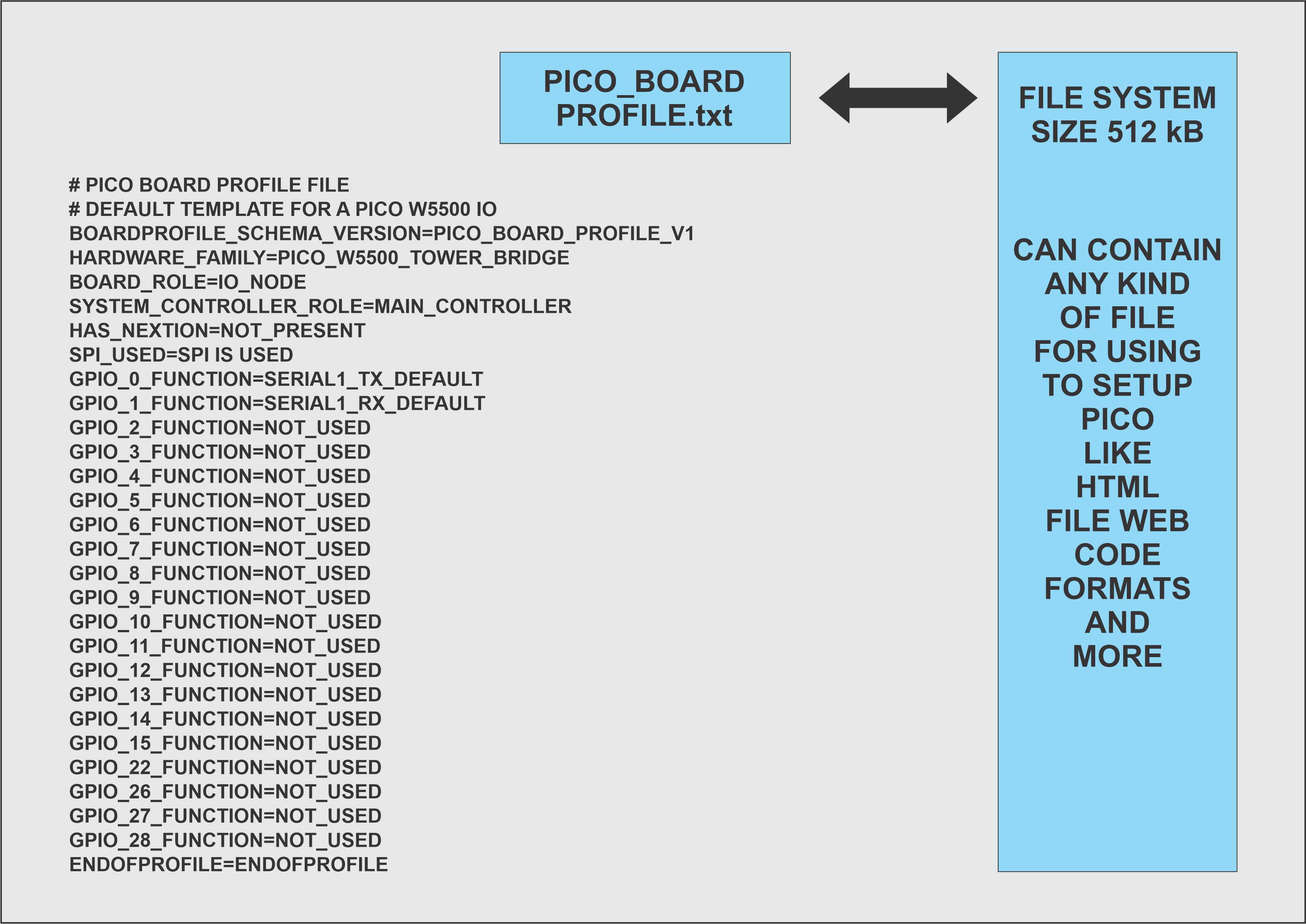
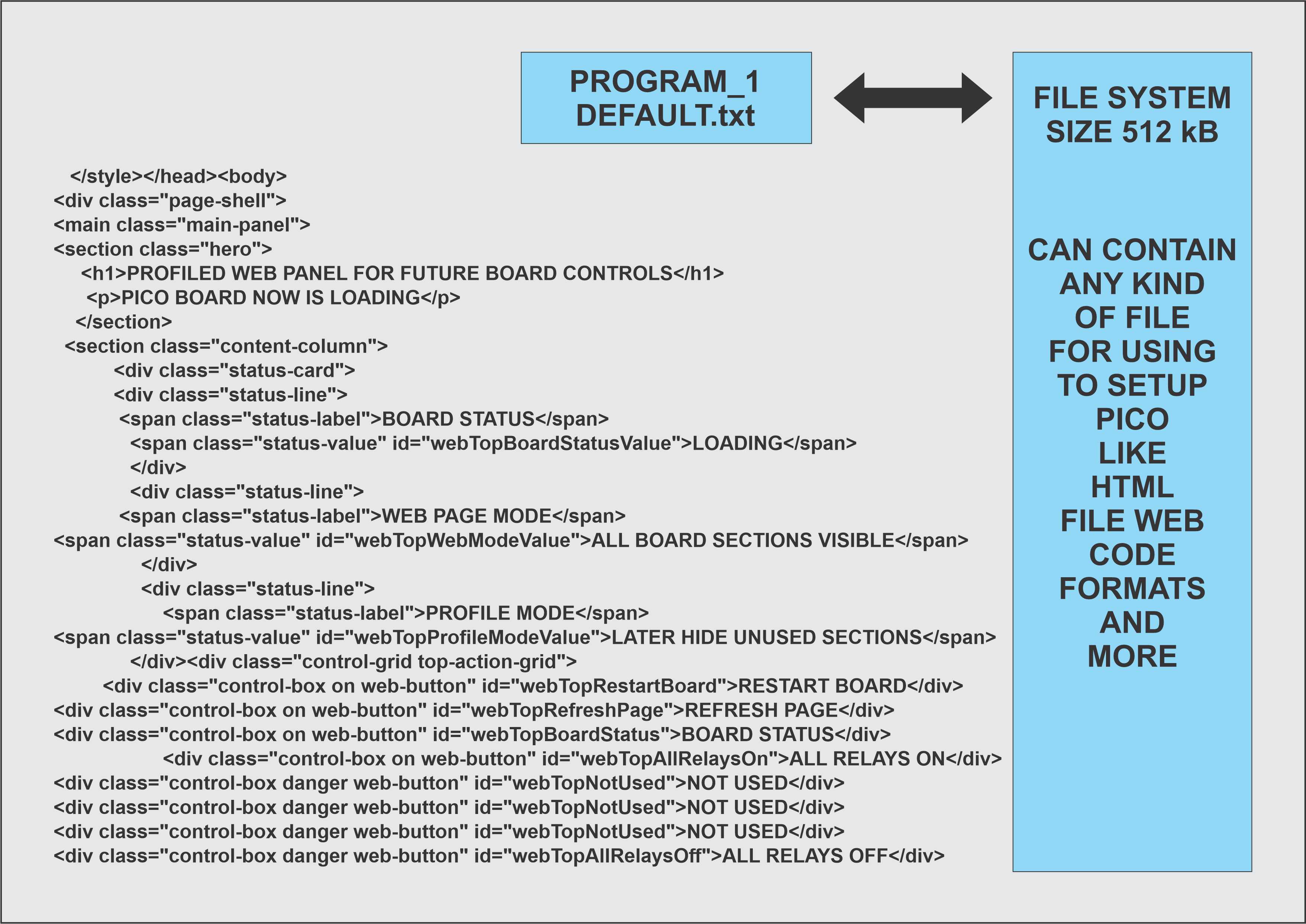
ТАБЛО ЗА АВТОМАТИЗАЦИЯ НА ПРОЦЕСИ - принципна функционалност на системата - част 3